
In short
- Make one Room and put its QR code by the door.
- Guests add photos and videos from their phones, no account.
- Download the whole night in original quality.
Create the Room before the party
Name it after the night, like “Halloween 2026”. Pick how long it stays open so the morning-after uploads still make it in.
Put the QR code where the costumes are
By the door, on the bar or next to the photo corner. Guests scan, tap Add files and pick their photos. No app, no password.
Ask for originals, not chat copies
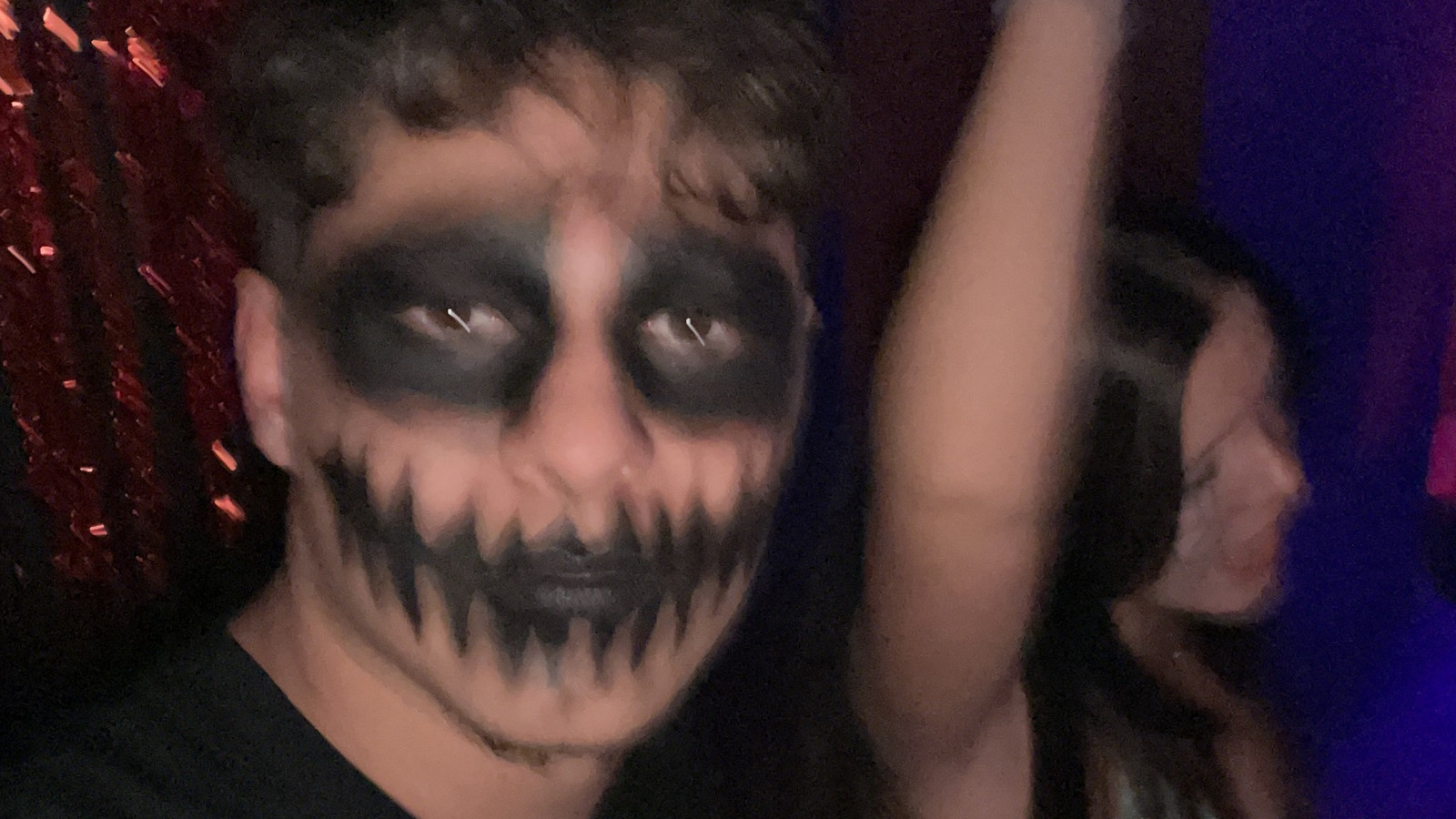
Party photos are dark and chat apps compress them hard, so the face paint turns to mush. Uploaded to a Room, they stay exactly as they were taken.
Download the whole night
Download all gives you every photo and video at once. On an iPhone they go straight into Photos.
Questions
Do guests need an app or an account?
No. They scan the QR code or open the link in the browser and upload.
Can I check photos before everyone sees them?
Yes. Turn on Approve uploads first; new photos wait until you approve them.
Can guests add videos too?
Yes. Videos go up in full quality, up to 50 GB per file.
One link. Everyone’s photos.
Free up to 10 GB. Guests never need an account.