

- Make one Room a few weeks before the wedding.
- Put its QR code on every table.
- Ask twice, then download everything in one click.
Make the Room a few weeks before
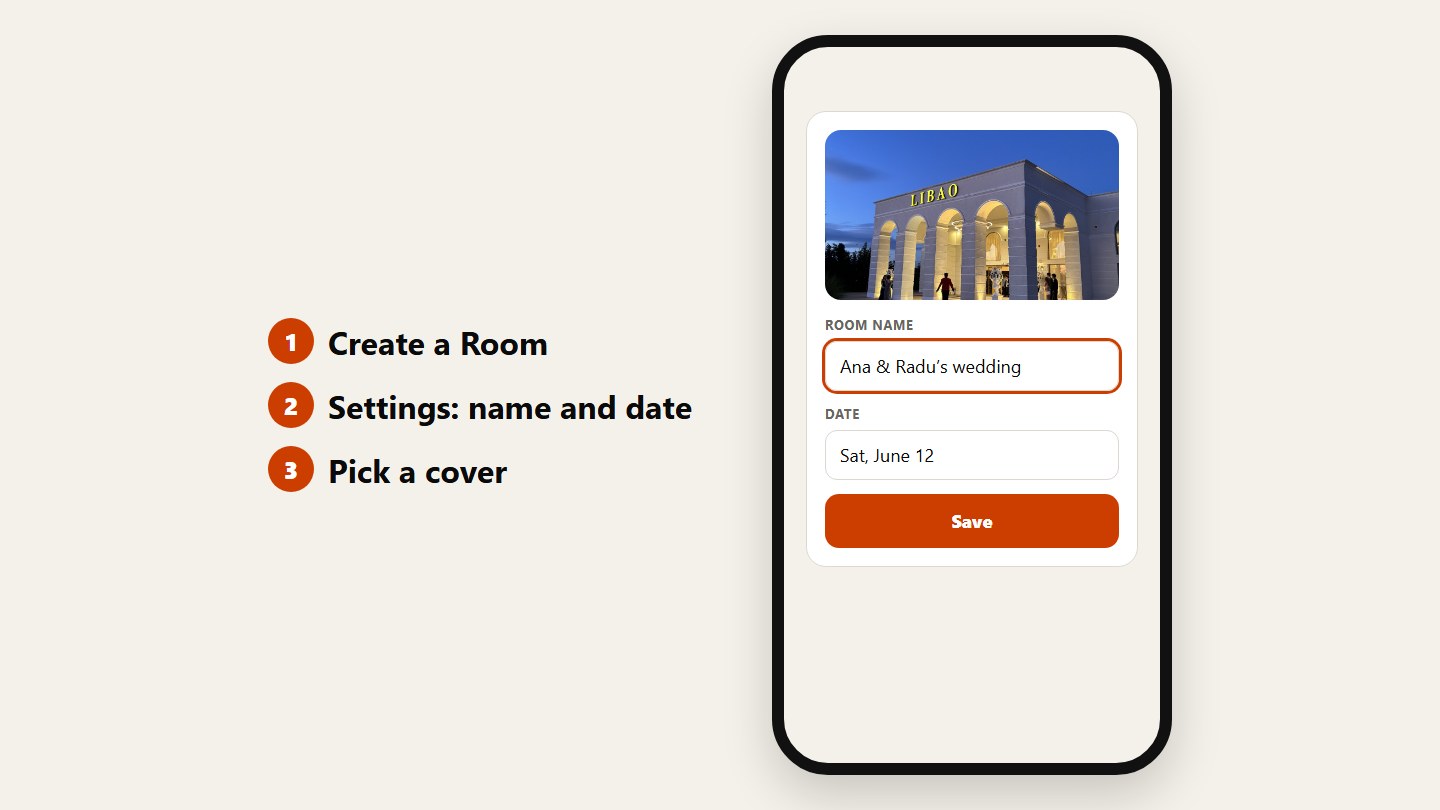
Create a Room, give it your names and the date, and pick a cover. Doing it early means the QR code can go on the table cards and the invitation.
Put the QR code on every table
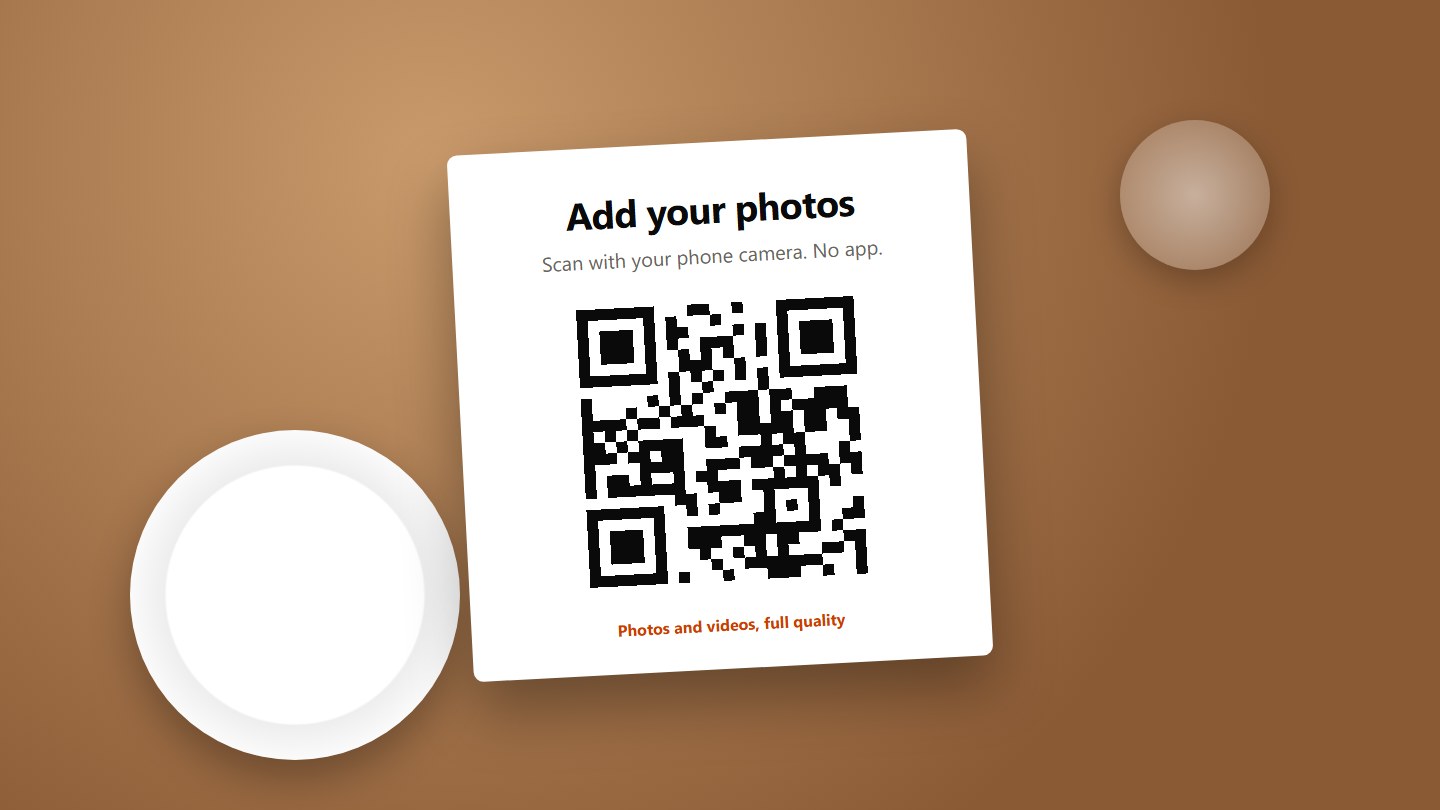
Guests sit at the tables for hours, so that’s where the code works best. Add one at the bar too. Scanning opens the Room in the browser, no app, no account.
Ask twice
Have the host or DJ say it once during the evening. Then send the link in the family group the morning after, while everyone is scrolling through last night’s photos.
Download everything and keep a copy
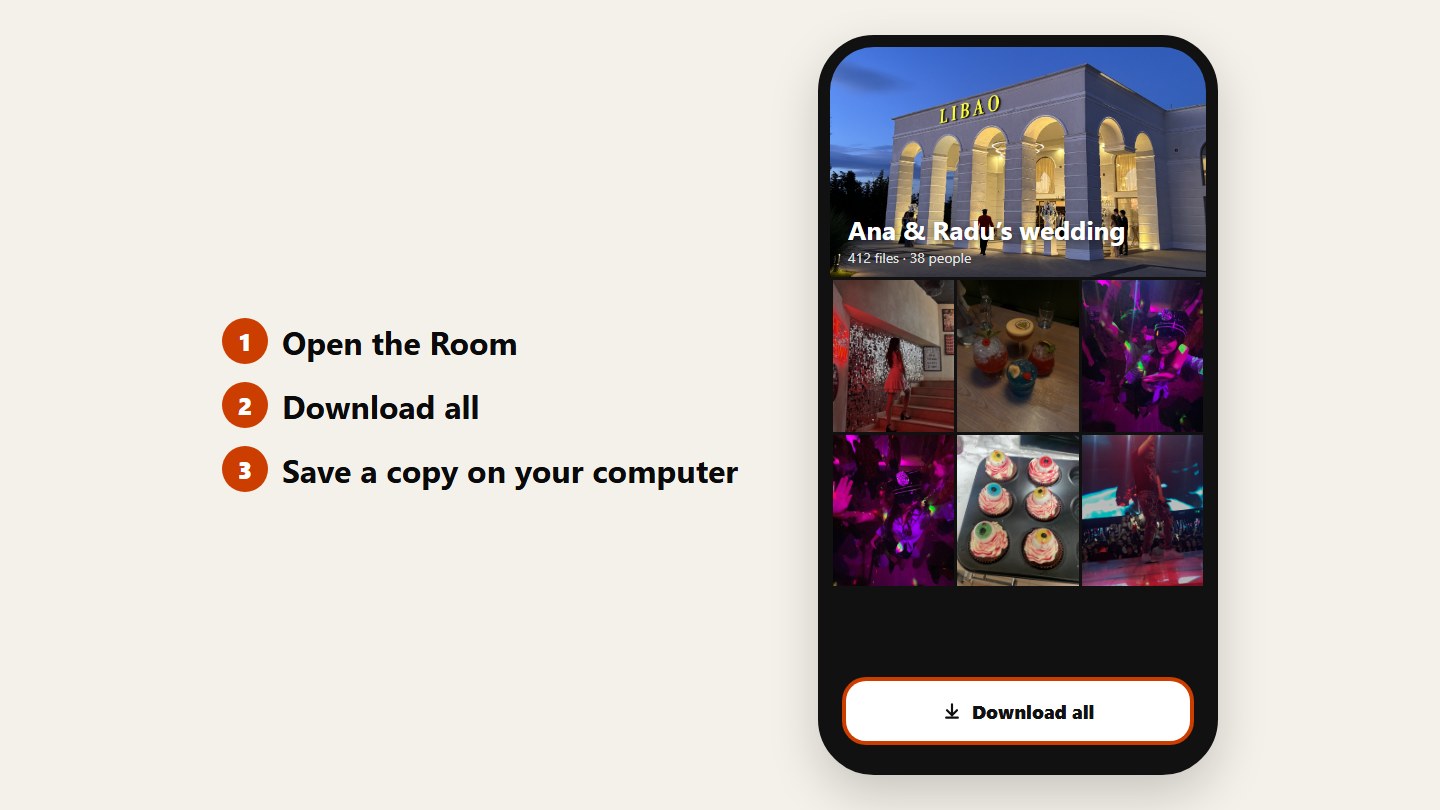
When the uploads slow down, open the Room and tap Download all. You get every photo and video in full quality. Save it on your computer, because a Room expires.
Questions
Do guests need an app?
No. The Room opens in the phone’s browser and guests upload from their camera roll, without an account. Only you sign in.
Can we check photos before others see them?
Yes. Turn on Approve uploads first, and new files stay hidden from other guests until you approve them.
How long do the photos stay online?
Up to 3 days on Free, up to 30 days on Plus, and on Pro for as long as you subscribe. Download everything before the Room expires.