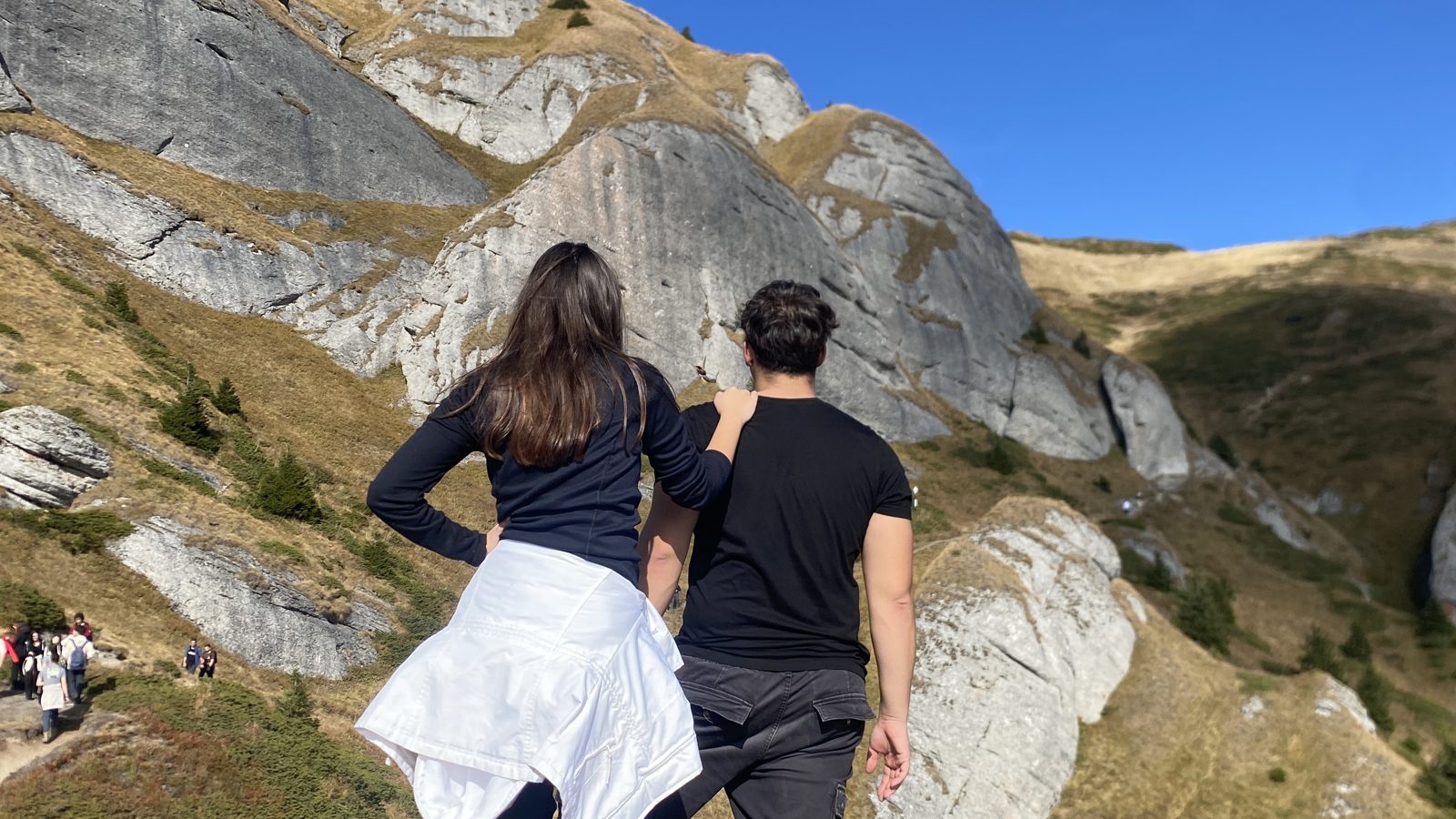

- WhatsApp sends a smaller, more compressed copy, not your photo.
- HD looks better, but it still isn’t the original file.
- For a whole group, send one link to the originals instead.
Know what WhatsApp does
It makes a new, smaller copy and sends that. It looks fine on a phone, but zoom in and hair, leaves and rocks turn soft. The date and camera info inside the photo usually don’t come along.
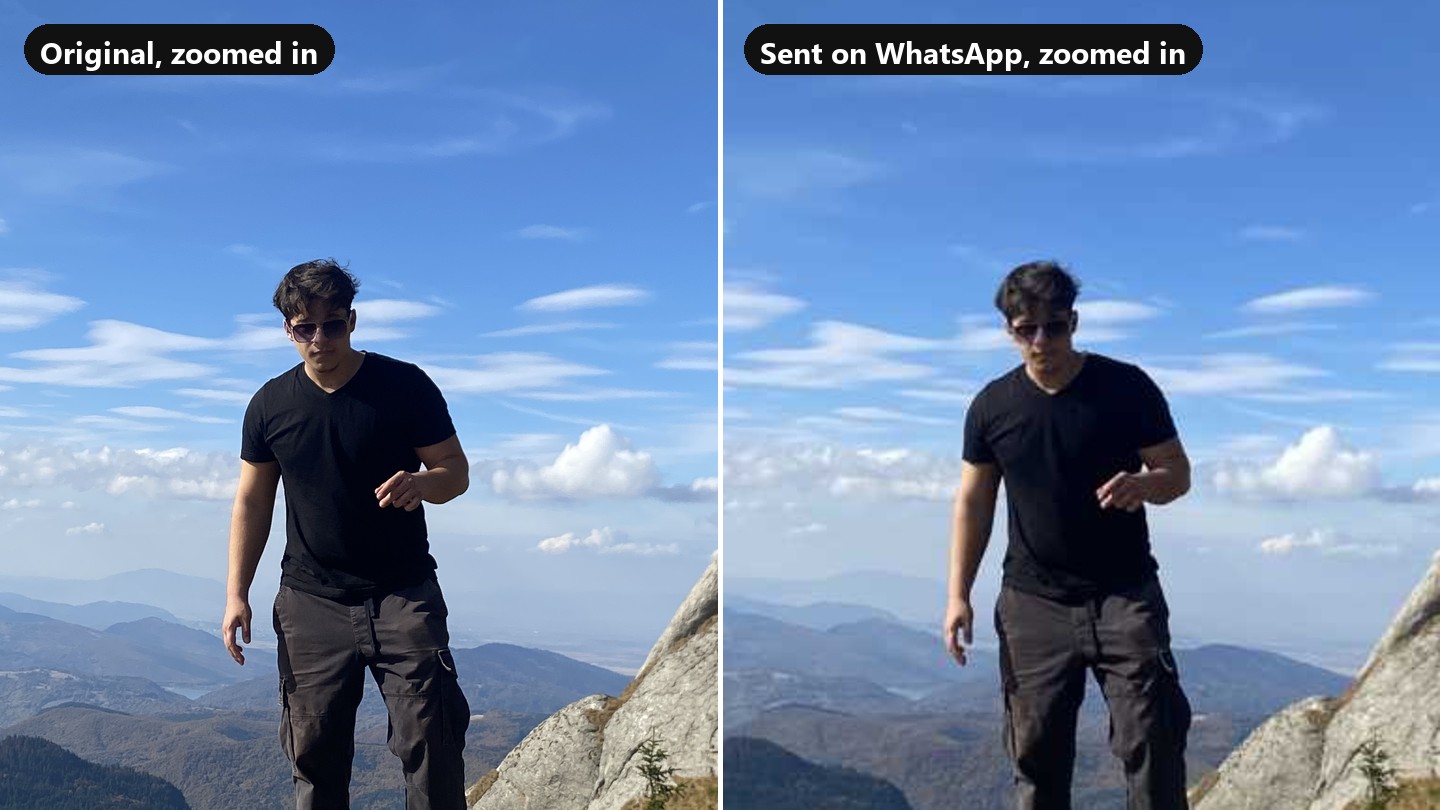
Use HD or Document for a few photos
Tap HD before you send for a sharper copy. If you need the exact file, attach it as a Document instead. Good for two or three photos, slow for fifty.
Send a link for the whole group
Make one Room and put its link in the chat. Everyone adds their photos from the phone, and everyone downloads the originals. The chat stays clean.
Questions
Does WhatsApp HD send the original?
No. HD sends a sharper copy than the standard one, but it is still a copy. To send the exact file, attach it as a Document.
Do videos lose quality too?
Yes, usually even more than photos, and very long videos may not send at all. A link to the original file avoids both.
Do my friends need an app to use a Room?
No. The Room opens in the phone’s browser. They pick photos and tap Upload, without an account.