

- HEIC is the iPhone’s photo format: same look as JPG, smaller file.
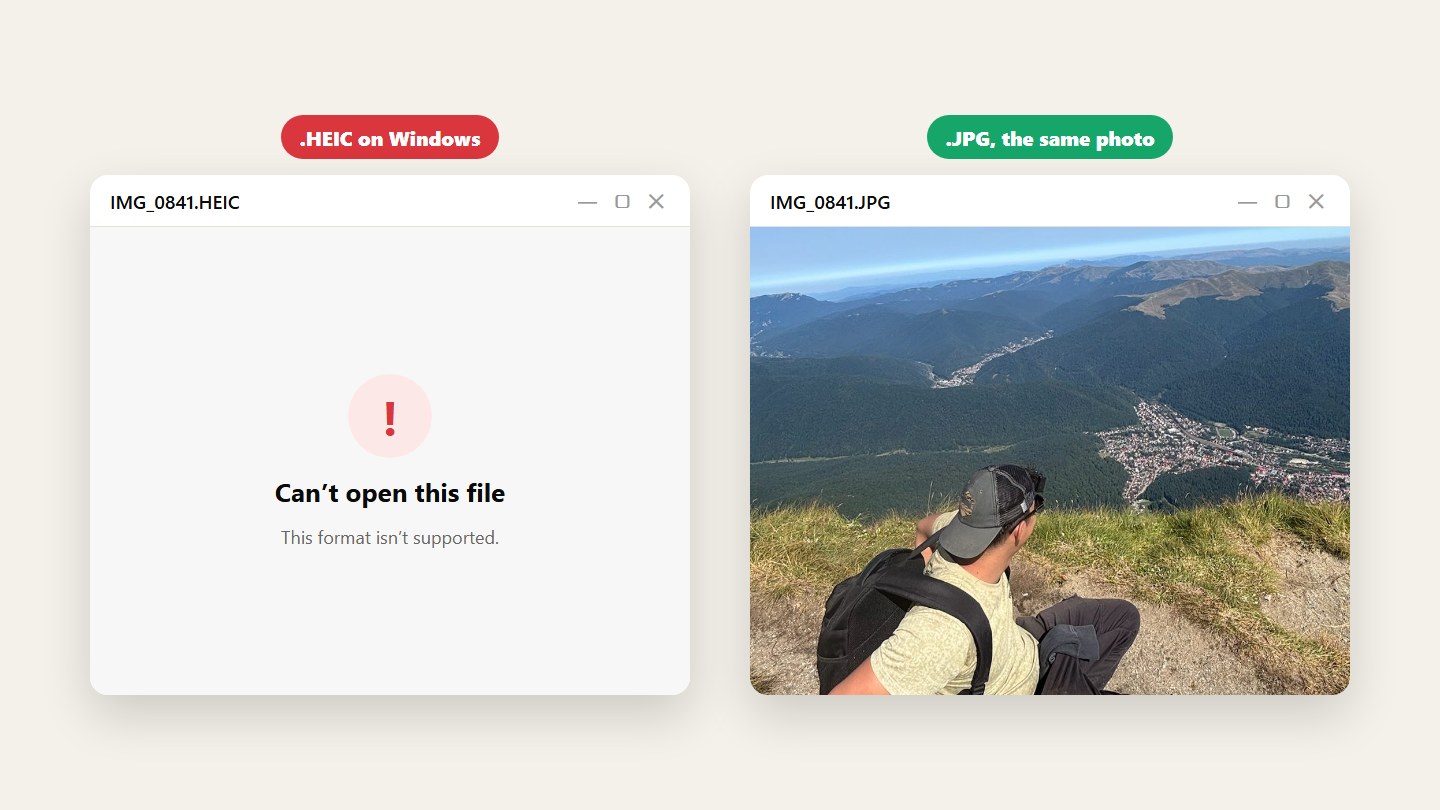
- Some computers and websites can’t open it.
- Convert the ones you need, or switch the camera to JPG.
Know what HEIC is
It’s the format iPhones use by default. The photo looks the same as a JPG and takes less space, but some Windows computers, older programs and upload forms can’t open it.
Convert the ones you need
Need a JPG for a form or a print shop? Convert just those photos in your browser, nothing to install. On a Mac, Preview can also export a photo as JPEG.
Take JPG from now on, if you want
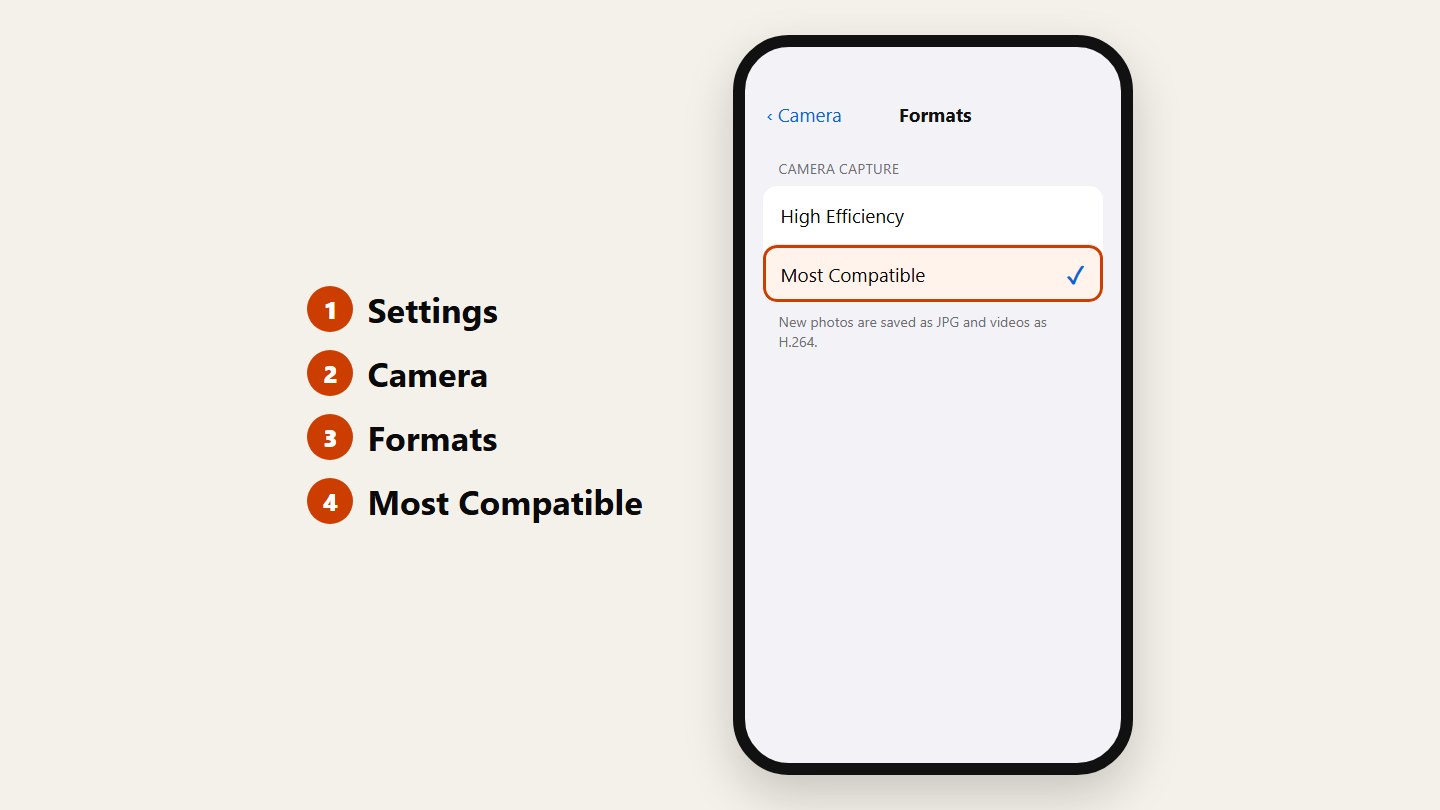
On the iPhone, go to Settings, Camera, Formats and choose Most Compatible. New photos are saved as JPG. The ones you already have stay as they are.
Questions
Is HEIC better quality than JPG?
At the same file size HEIC usually looks a little better. In everyday use the difference is small; the real difference is which devices can open it.
How do I open HEIC on Windows?
The Photos app opens HEIC once the HEIF Image Extensions are installed from the Microsoft Store, and it can save a copy as JPG.
Can people see my HEIC photos in a Room?
Yes. A Room shows a preview of HEIC photos for everyone and keeps the original HEIC file for download, unchanged.