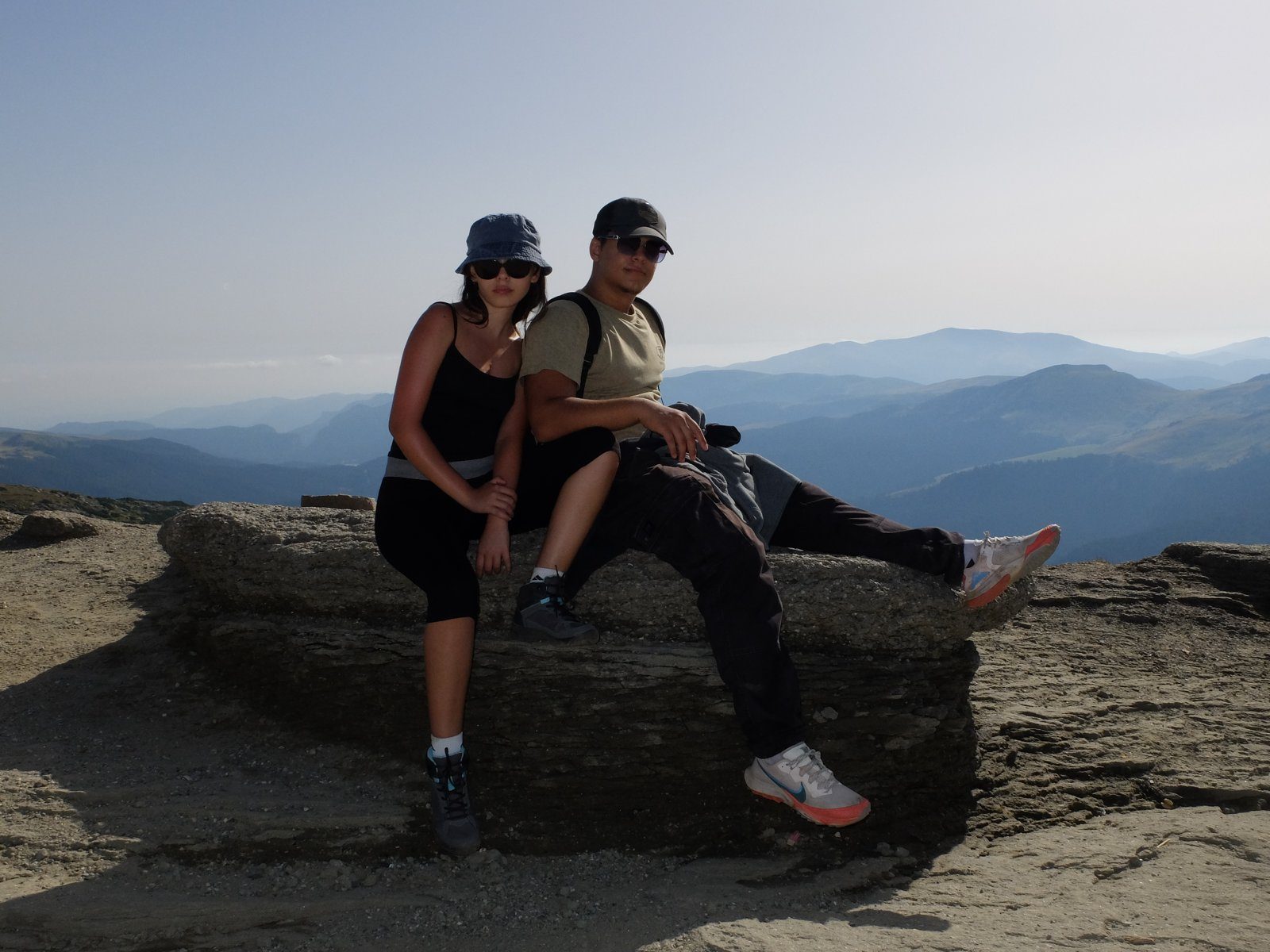

In short
- One Room for the whole group, one link in the chat.
- Everyone uploads from their phone, no app or account.
- At home, you download everything in one click.
Make one Room before you leave
Create it the night before and drop the link in the group chat. Everyone uploads from their phone. No app, no account.
Add photos as you go
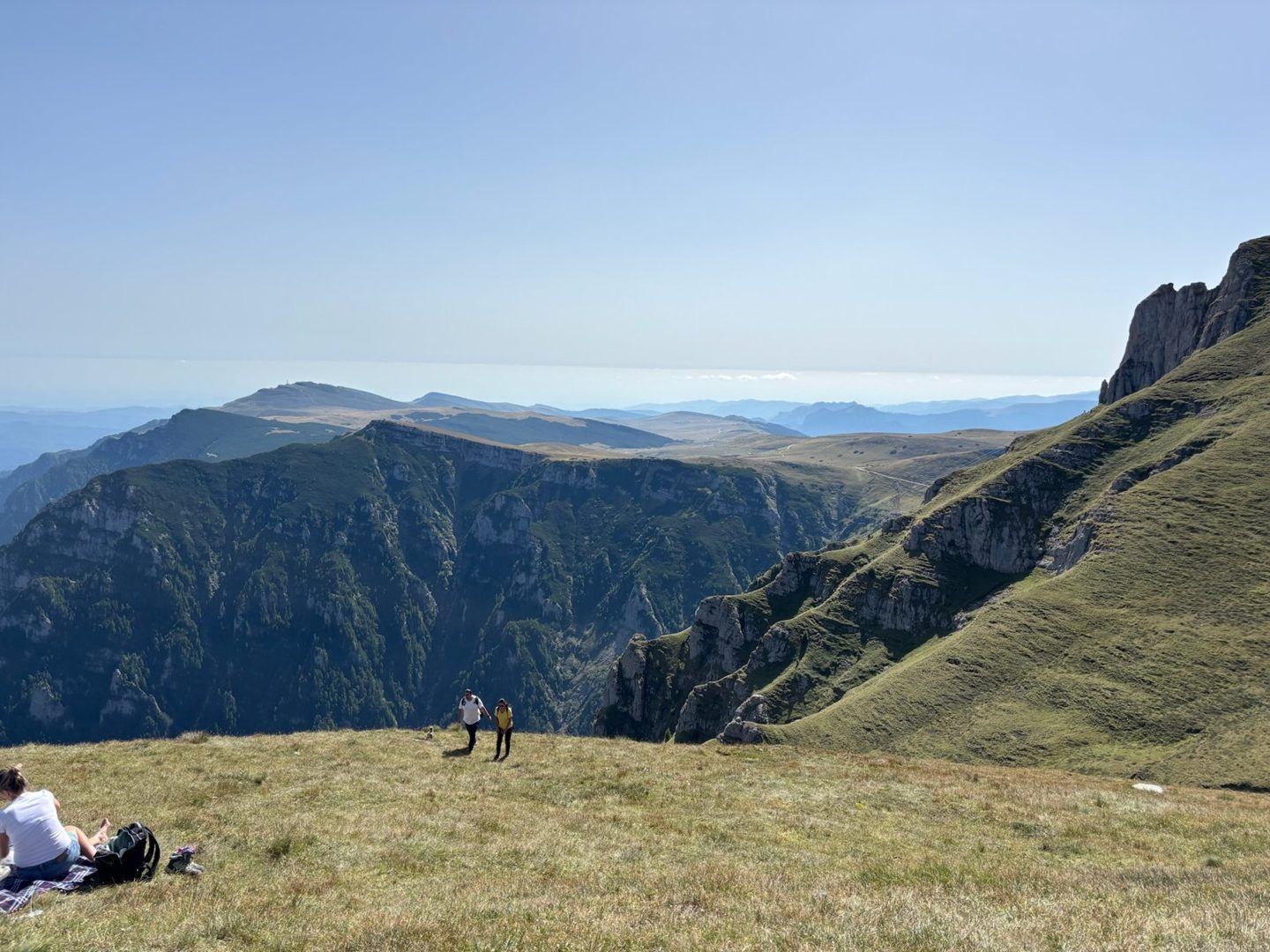
At every stop, a few photos go in. Weak signal on the ridge? The upload picks up where it stopped once you’re back in range.
Download everything at home
Open the Room, tap Download all. Every photo from every phone, in full quality, sorted by who took it.
Questions
Do my friends need an account?
No. They open the link, pick photos and tap Upload. Only the person who creates the Room signs in.
Are photos compressed?
No. A Room keeps every photo and video exactly as the phone sends it, unlike most chat apps.
What if there’s no signal up there?
Large files upload in pieces. If the connection drops, the upload continues where it stopped once you’re back in range.
One link. Everyone’s photos.
Free up to 10 GB. Guests never need an account.