
In short
- Under Size pick Instagram post (1080 × 1350 px) or Story (1080 × 1920 px).
- On their own phone, people tap a link. They can’t scan the screen they hold.
- Start with a free Room, then share its QR wherever your guests are.
Your guests follow you on Instagram, and you want their photos from the party. Posting the photo-upload QR there looks like the quickest way to reach everyone.
A QR works when it sits on paper or on another screen. Someone scrolling on their phone cannot point that same phone’s camera at it, so they need something to tap.
Where a QR on Instagram helps
A QR in a post works when people see it on a laptop, a tablet or a friend’s phone and scan it with their own. It also reminds them the photo Room exists.
For someone holding the phone that shows the story, the link is what counts. In a story you can hand them that link as a sticker they tap.
Make the picture at Instagram size
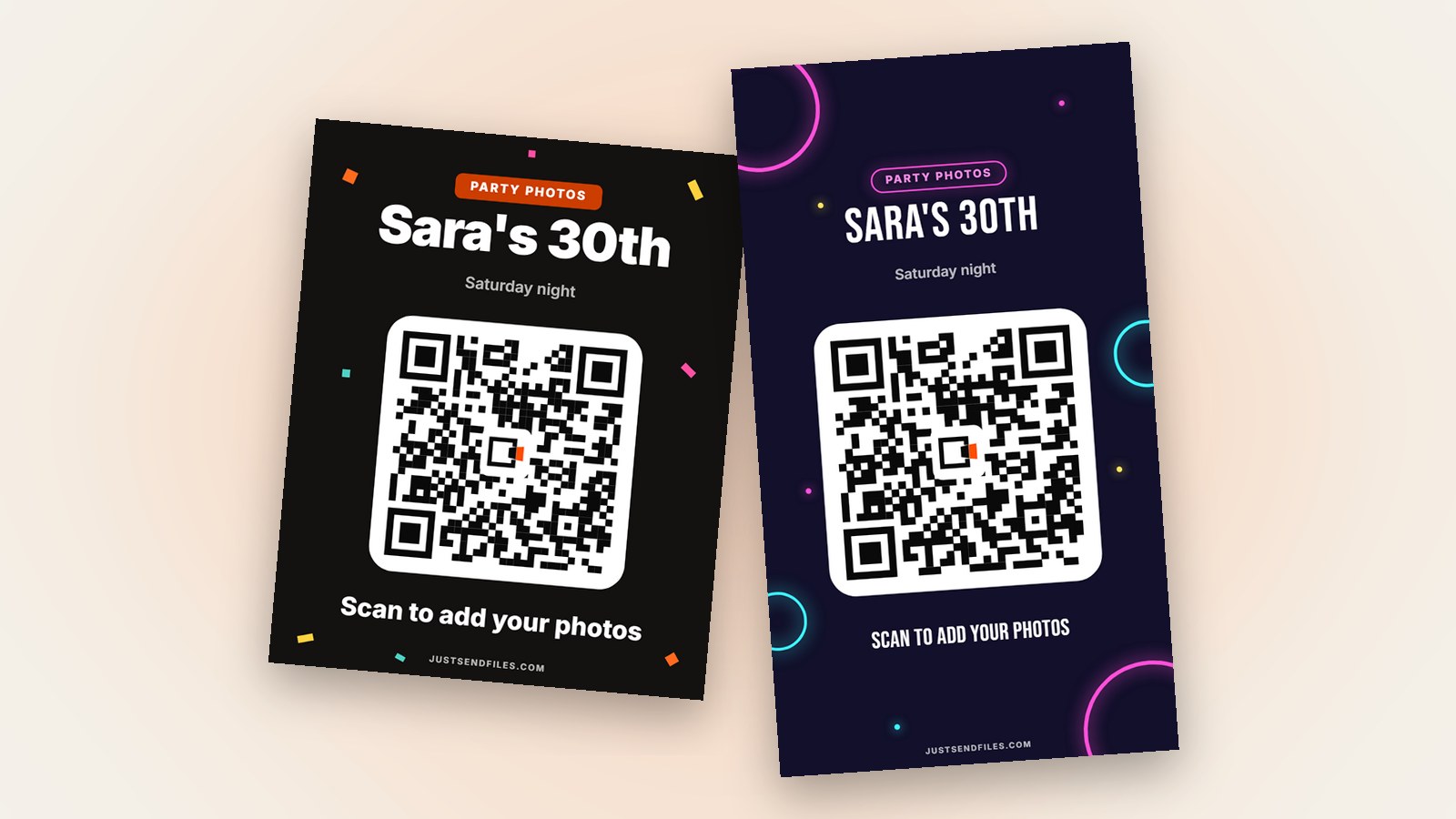
Open the Room’s settings, go to the QR code tab and tap Edit. Under Size choose Instagram post (1080 × 1350 px) or Story (1080 × 1920 px). The preview is to scale.
Pick a template, add a title such as your names and keep the line under the QR short. Tap Save, then Download and choose PNG or JPG, which come out at 300 dpi.
Why 1080 × 1350 suits a post
Instagram says it keeps a photo at 1080 pixels wide when its height is between 566 and 1440 pixels. A picture with an unsupported ratio gets cropped to fit.
At 1080 × 1350 the post picture falls inside that range, so the title and the code should stay whole at the edges.
Share it to your story
In Instagram, tap Create at the top or swipe right in Feed, then scroll to Story. Swipe up anywhere on the screen to choose the QR picture from your gallery or camera roll.
You can also tap Share in the QR code tab to send the picture through your phone’s share sheet. When the story looks right, tap Your Story in the bottom left.
Add a link sticker
Before you share, tap Sticker and pick the link sticker with the Room’s link. Instagram says that people who tap a link sticker in your story go to the linked website.
Instagram also notes that not all stickers are available to everyone. If you can’t find it, tick the option that prints the Room’s link under the QR.
Keep it working
Instagram says stories disappear after 24 hours unless you add them to your profile as story highlights. A highlight keeps the QR easy to find later.
Every Room has a plain QR you can Download as a PDF or Share. The Instagram sizes live in the editor behind the Edit button, which comes with Plus, Pro or a Room pass for one Room.
Once the QR is out, leave the Room’s link as it is. Regenerate link makes every QR you shared or printed stop working, and the site warns you before it does.
The same Room link works from a printed sign, a post or a story. Guests add photos in the browser, with no account.
One QR, on paper and on Instagram →Questions
Will Instagram crop a 1080 × 1350 picture?
Instagram says it keeps a photo 1080 pixels wide when its height is between 566 and 1440 pixels, and crops unsupported ratios. 1080 × 1350 sits inside that range.
Can people scan a QR they see on their own phone?
Not with that same phone’s camera, which has to point at the code. That is why the link sticker, or the Room’s link printed under the QR, matters on Instagram.
Does the QR stop working when the story ends?
No, the story ending does not touch the Room. A QR stops working if you use Regenerate link, or when the Room itself runs out of time.